
Employee mileage tracking without the follow-up.
Every driver submits through the app. You see clean records in one place.
Getting accurate mileage from employees means either trusting their memory or chasing them down. MileProof Teams removes both problems — employees log trips as they go, and submissions come in automatically.
Start 7-day trialDrivers use the mobile app to submit mileage — nothing to install on your end.
7-day free trial — card required. Cancel anytime before billing.
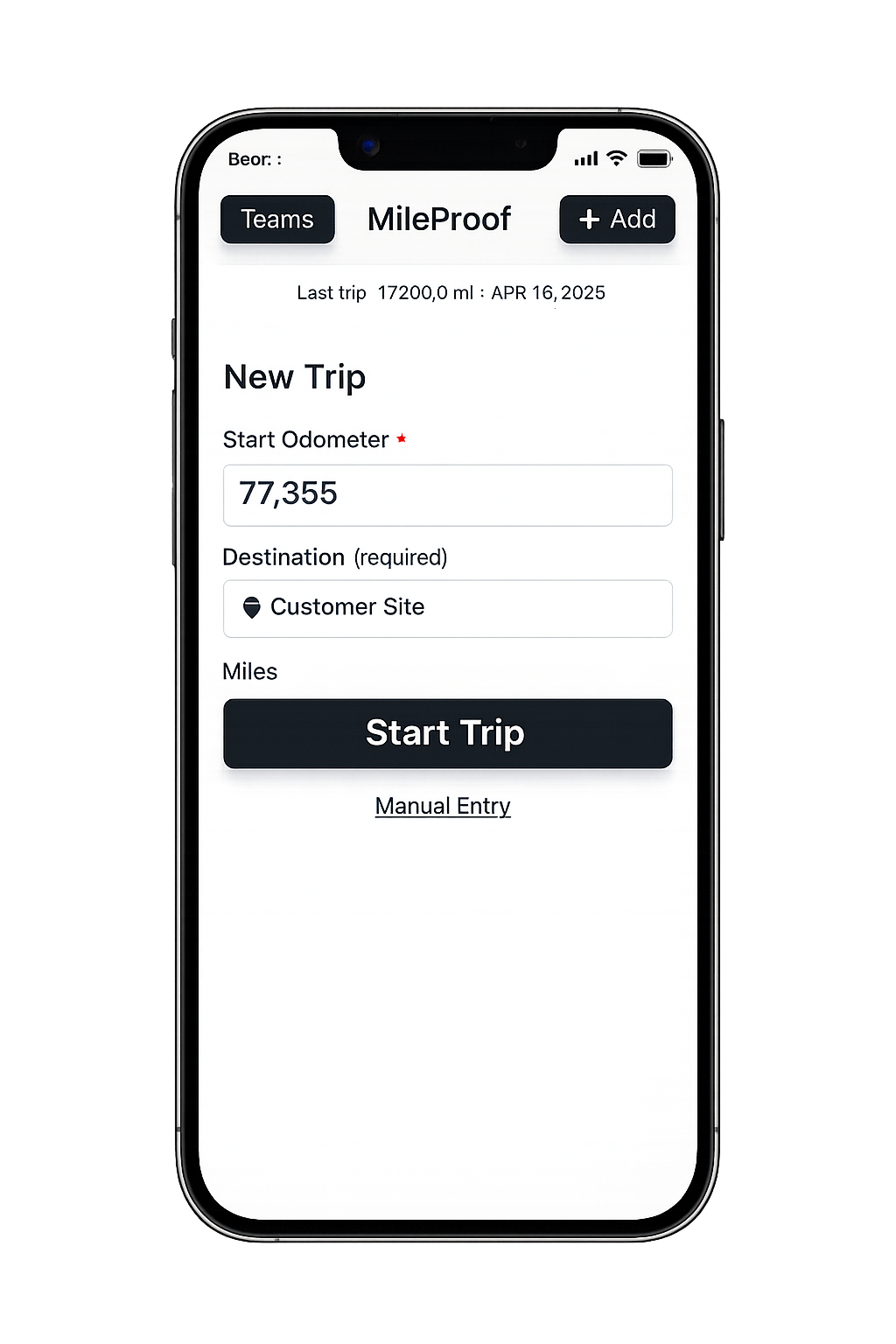
How MileProof Teams works
Create your account and get your team code
Sign up and receive a unique code to share with your drivers.
Drivers download the app and join with your code
Your drivers install the free MileProof mobile app and enter your team code to join your organization.
Drivers log and submit mileage
Trips are tracked and submitted directly from their phone.
You receive reports automatically
View all submissions in one place, export CSV reports, or have them delivered automatically.
Built for organizations where employees drive as part of the job
Whether your team is making deliveries, visiting clients, or working across multiple sites, mileage adds up fast — and tracking it manually almost never works long-term.
MileProof Teams gives every employee the same simple process: download the app, join your team, log trips as you go. Admins see submissions from every employee in one dashboard, without anyone needing to send a report.
Why teams switch to MileProof
No more chasing drivers
Mileage is submitted through the app — nothing slips through.
Everyone follows the same process
Each driver logs and submits the same way, so your data stays consistent.
Never worry about missing mileage
Generate reports instantly or have them sent automatically on your schedule.
Simple, honest pricing
Teams Plan
$19/month
- ✓ Unlimited drivers
- ✓ 7-day free trial
- ✓ Automatic mileage reports
- ✓ CSV export
7-day free trial — card required. Cancel anytime before billing.